.webp)
.webp)
.webp)

Download TV Bro APK – Free Browser for Android TVs, Web Browsing Tool, Smart TV Utility
Overview
TV Bro APK is a dedicated web browser designed for Android TVs, developed by the Phlox Development team. Its primary purpose is to enhance internet browsing experiences on smart television platforms, addressing the limitations often found in default browser interfaces. The software enables users to access online content with greater ease, particularly through remote control navigation and voice command integration. It targets consumers and casual users who want a more intuitive way to surf the web on their TV screens without relying on complex input methods.
TV Bro aims to solve common challenges such as limited keyboard support, slow navigation, and the difficulty of managing multiple websites on a large screen. By offering features like multiple tabs and bookmark support, it streamlines access to frequently visited sites and improves multitasking capabilities. Real-world usage scenarios include watching online videos, checking news, researching topics, or managing emails—all from the comfort of a living room sofa. The browser’s focus on remote control compatibility ensures that users can navigate without needing a physical keyboard or mouse.
The developer did not provide additional background on the Phlox Development team beyond the name. Platform compatibility is limited to Android TVs, and no other operating systems are supported. The application is designed specifically for the TV environment, emphasizing usability over advanced customization.
Key Features & Capabilities
- Remote Control Compatibility – TV Bro is optimized for use with standard TV remote controls, enabling seamless navigation through menus, tabs, and bookmarks using directional buttons and select keys.
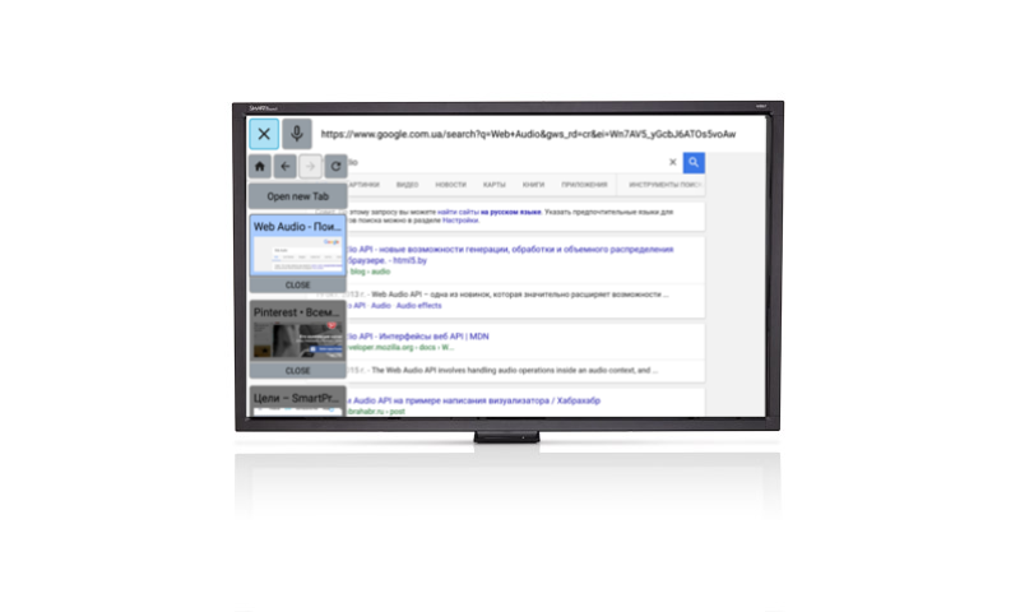
- Multiple Tabs Support – Users can open and switch between several web pages simultaneously, improving workflow efficiency when researching or multitasking on the TV.
- Bookmark Management – The browser allows saving and organizing favorite websites, reducing the need to retype URLs or search for content repeatedly.
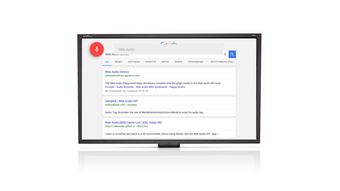
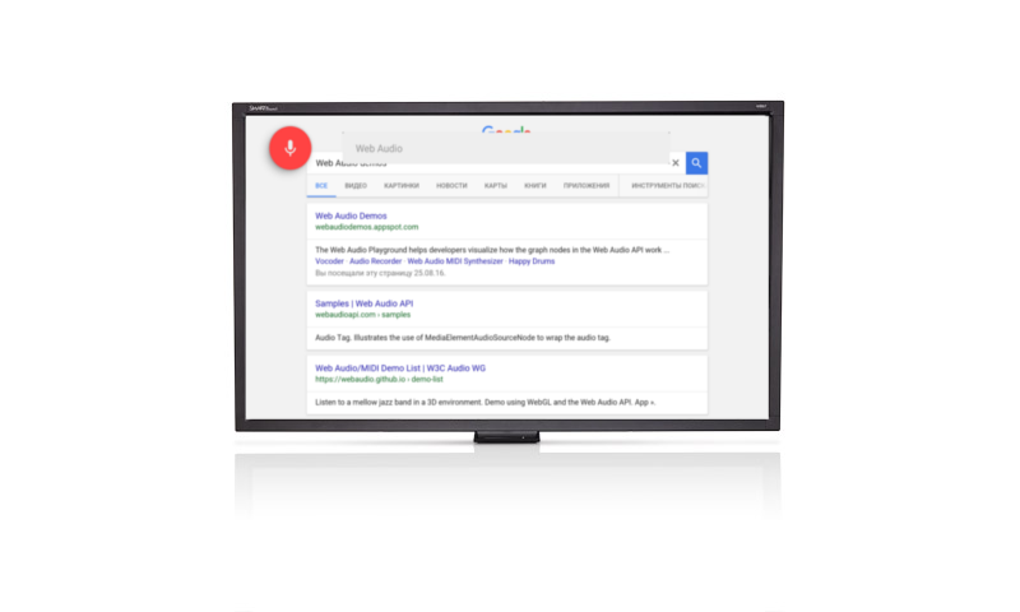
- Voice Command Integration – A key feature that enables users to perform searches and navigate the web using spoken commands, eliminating the need for manual typing on a remote control.
- TV-Optimized Interface – The layout is designed for large screens and high-resolution displays, ensuring readability and accessibility from a distance.
These features are particularly useful in everyday scenarios such as searching for recipes while cooking, browsing entertainment news during commercial breaks, or accessing online banking from a home theater setup. The voice command functionality significantly reduces friction in input-heavy tasks, while tab management helps maintain focus across multiple sources. The interface mirrors familiar desktop browsers like Chrome and Firefox, minimizing the learning curve for new users.
User Interface, Workflow & Performance
TV Bro features a clean, minimalistic interface that closely resembles standard web browsers used on desktop systems. Navigation is structured around a central address bar, tab strip, and menu options accessible via the remote control. The layout is designed to be intuitive, with large, clearly labeled buttons and elements spaced for easy selection using directional inputs.
Workflow efficiency is enhanced by the integration of voice commands and remote control functions. Switching between tabs, opening new pages, and managing bookmarks can be done with minimal effort. The browser responds promptly to remote inputs, though exact performance details were not specified by the developer.
Stability appears to be consistent based on general software behavior patterns, but no formal testing data was provided. The developer did not specify resource usage details such as CPU or RAM consumption. Users should expect standard performance levels typical of lightweight browser applications on Android TV platforms. No known crashes or freezes were reported in available documentation.
Compatibility & System Requirements
TV Bro APK is designed exclusively for Android TVs. The supported operating system is Android TV, though the specific version is not listed. Installation size is not publicly disclosed, and no hardware requirements were provided by the developer.
Exact system requirements were not listed. Compatibility information was partially provided, confirming support for Android TV devices only. No information was shared about minimum processor speed, RAM, or storage capacity. Users are advised to ensure their device meets the baseline requirements for running Android TV applications.
Pros and Cons
Pros
- Optimized for remote control use on Android TVs
- Supports multiple tabs and bookmark saving
- Includes voice command functionality for hands-free browsing
- Intuitive interface with minimal learning curve
- Designed specifically for large-screen web browsing
Cons
- No option to scale down the browser display
- Limited display scaling customization
- May not fully adapt to dynamic website elements
- Unsupported on non-Android TV platforms
- Lack of detailed system requirements information
FAQ Section
Is TV Bro compatible with all Android TVs?
TV Bro is designed for Android TVs, but the exact list of compatible devices was not provided. Users should verify that their device runs Android TV and supports third-party APK installations.
Is TV Bro safe to download and install?
TV Bro is developed by Phlox Development. As with any third-party APK, users should ensure they download from trusted sources to avoid potential security risks. Always scan files with antivirus software before installation.
Does TV Bro require an internet connection?
Yes, an active Wi-Fi connection is required to access online content. The browser cannot function without internet connectivity.
Can I use TV Bro offline?
TV Bro is primarily designed for online browsing. While saved bookmarks may be accessible after a page is cached, full offline functionality is not supported.
Is there a free version available?
Yes, TV Bro is available as a free download. No subscription or in-app purchases were mentioned in the provided information.
Final Thoughts + CTA
TV Bro APK presents a practical solution for users seeking a more convenient way to browse the web on their Android TVs. Its focus on remote control navigation and voice command support sets it apart from standard browser apps, offering a smoother and more accessible experience. While it lacks advanced customization options like display scaling and dynamic website adaptation, its core functionality is solid and well-suited for everyday use.
It is best suited for casual users, families, and individuals who value simplicity and ease of use over advanced features. For those looking to enhance their smart TV’s browsing capabilities without technical complexity, TV Bro delivers a reliable and user-friendly tool.
Download TV Bro APK now to transform your TV into a more interactive and accessible web platform.





.png)

